

← Back to Changelog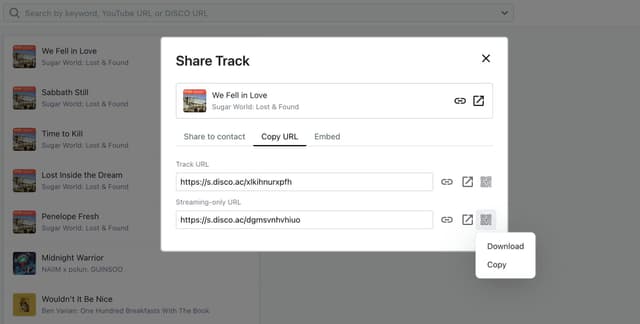
Share tracks and playlists with QR codes
Published: 3/9/2026Feature
You can now generate a QR code for any track or playlist directly from the share modal. In the Copy URL tab, click the QR code icon next to any URL to either download it as a PNG or copy it to your clipboard - perfect for printing on posters, posting on social, or dropping into an email footer.
Each QR code links to the corresponding share page, so scanning it opens the track or playlist in the browser. Works for all URL types in the share modal.